

Better Side Navigation
A better Burq dashboard — introducing the redesigned navigation
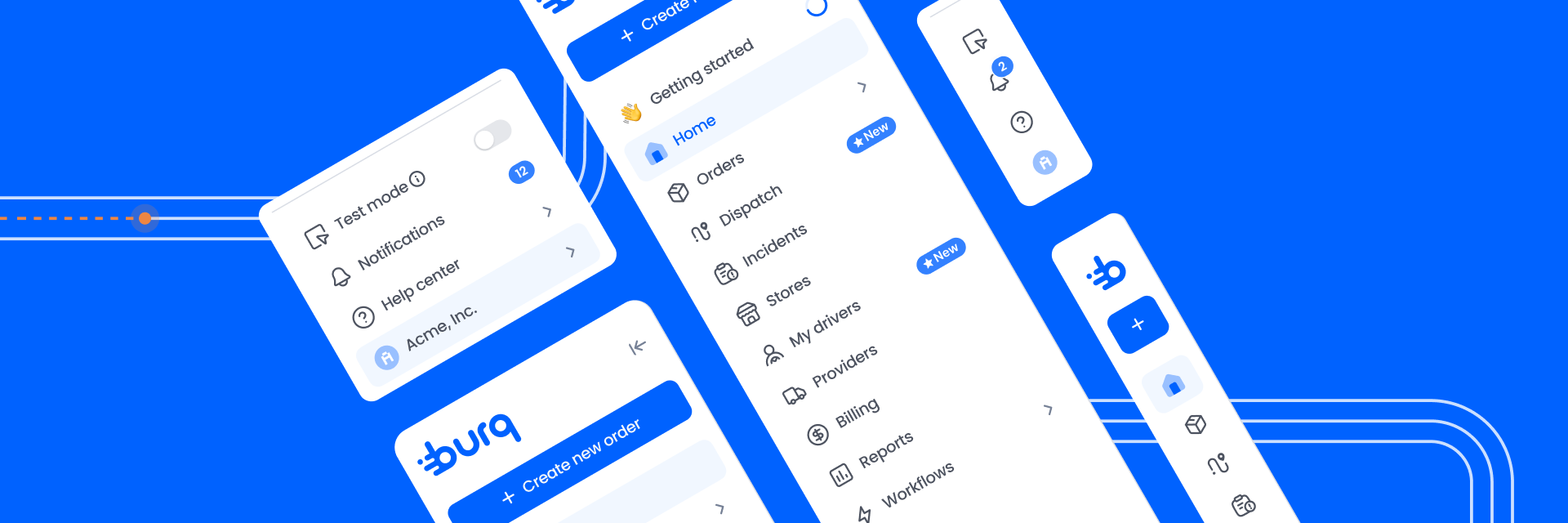
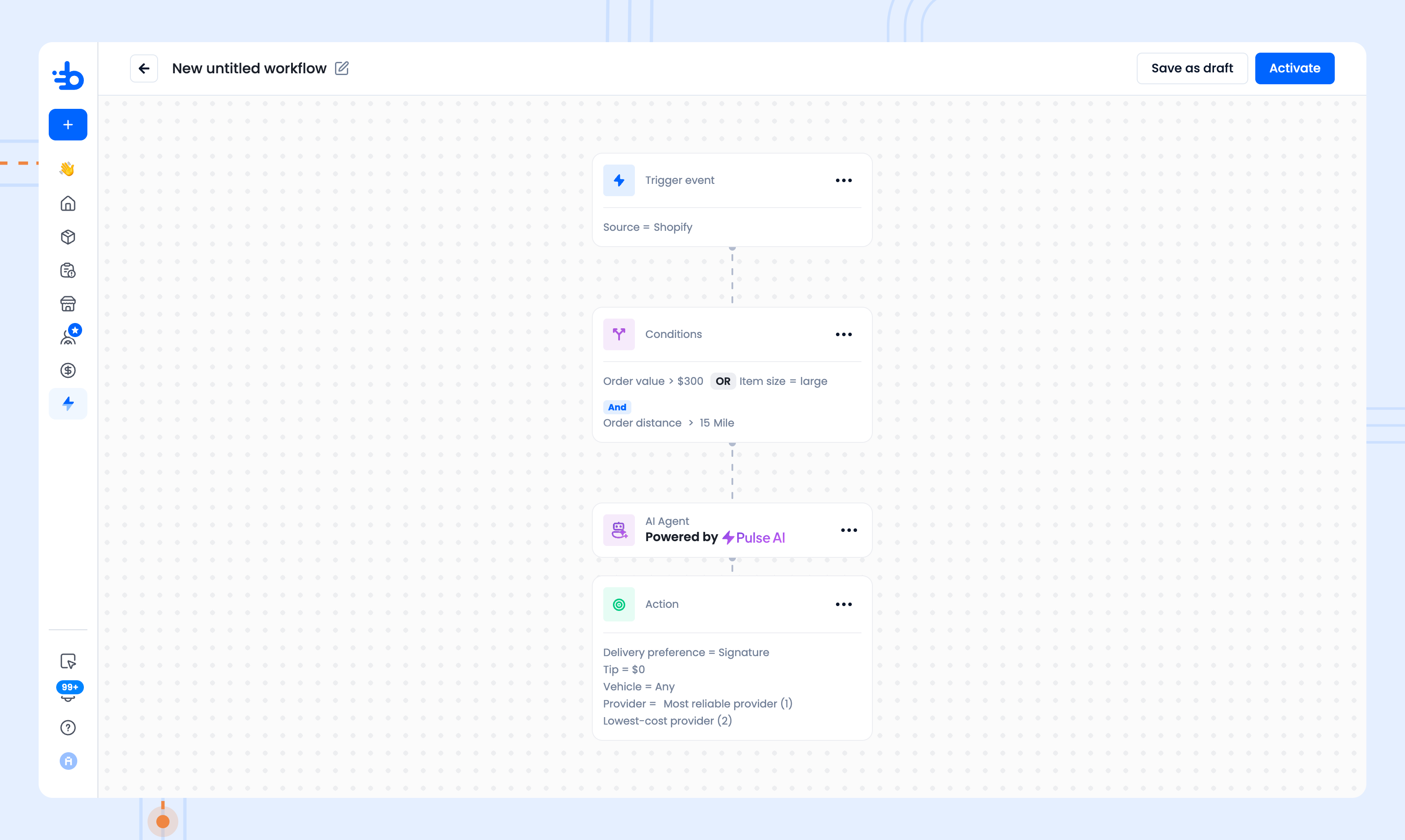
We rebuilt the Burq navigation from the ground up. The result is a cleaner, faster experience that gives your most important tools a permanent home in the side navigation and hands back the screen space that was previously taken up by a secondary toolbar at the top.
This update reflects feedback we have heard directly from merchants including long-requested moves like bringing Billing front and center and sets the foundation for a faster, more organized experience as we continue to grow the platform.
What changed and why it is better for you
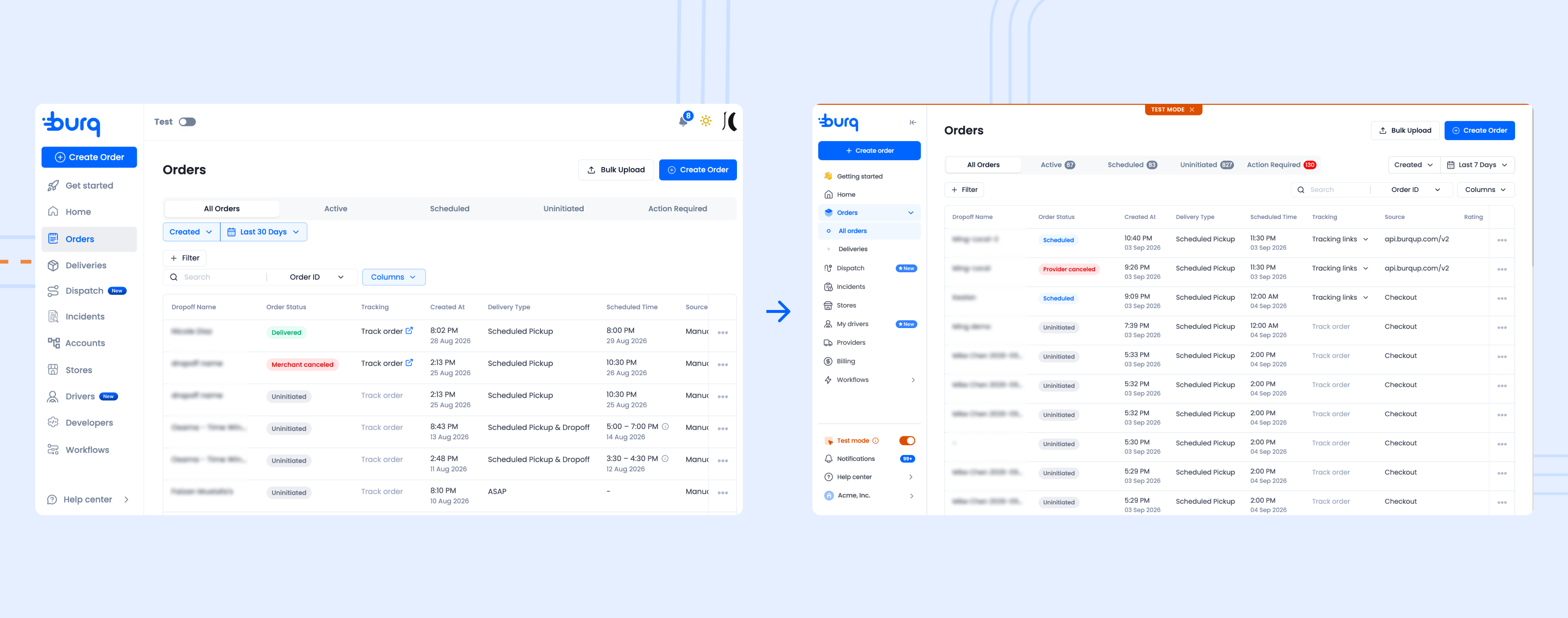
More screen for your work
The top bar that previously ran across the dashboard is gone. Everything that lived there has moved into the side navigation. The result is a larger, cleaner content area — your orders, dispatch view, and workflows now have noticeably more room to breathe.
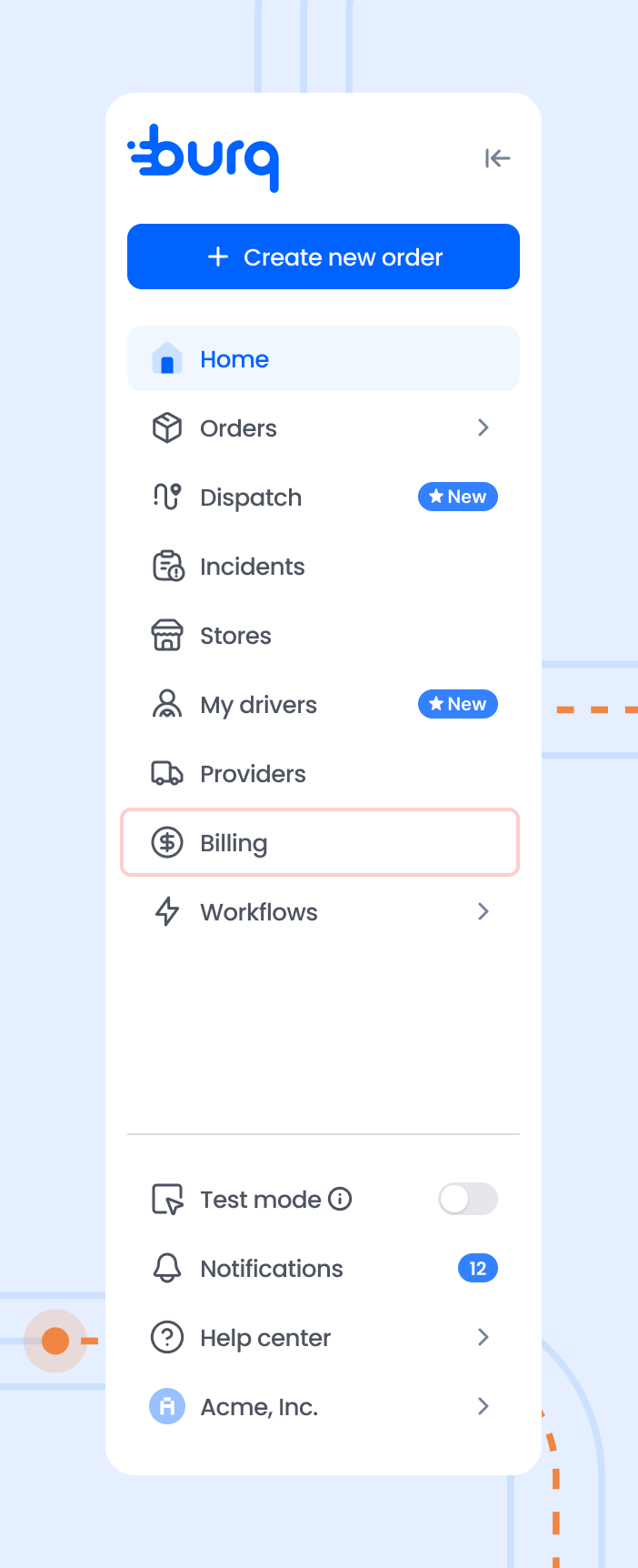
Billing is now in the main navigation
Billing and subscription management used to require navigating through a settings sub-menu. Based on how frequently merchants access it, we moved Billing directly into the main side nav. It is one click from anywhere in the dashboard.
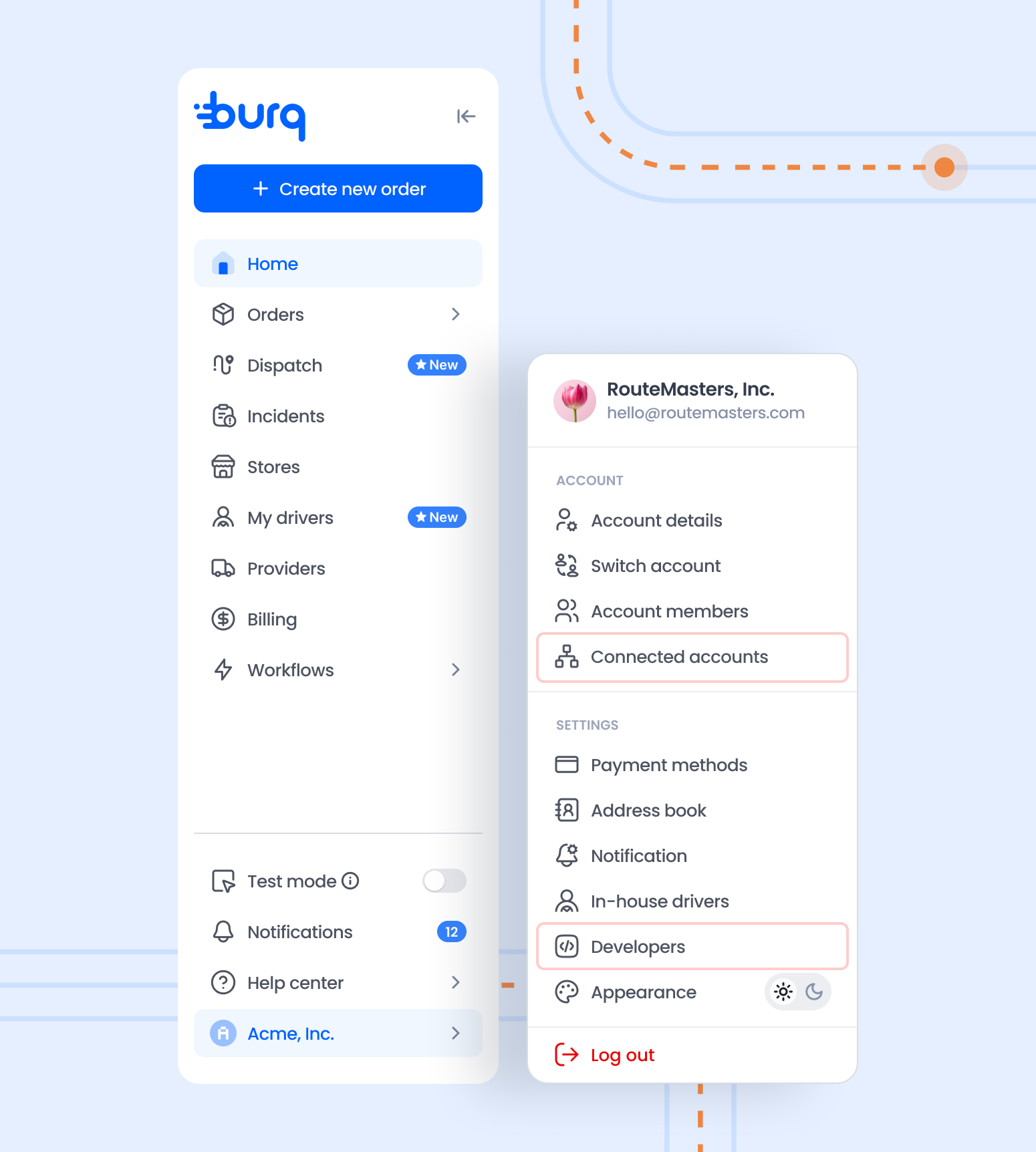
Settings, Developers, and Connected Accounts are under your profile
Click your name or avatar at the bottom of the side navigation to access:
- Developers — API keys, webhooks, and integration settings
- Connected Accounts — manage multi-location or linked accounts
- Account details, payment methods, and preferences
This keeps advanced and administrative options organized without cluttering the main navigation for users who do not need them day to day.
The side navigation collapses when you need the space
The side navigation can be collapsed to a compact icon-only rail using the arrow button at the top. This is especially useful in Dispatch and full-screen workflow views.
Where things are now
| What you are looking for | Where to find it now |
|---|---|
| Home | Main side navigation |
| Orders (All orders listing, delivery listing) | Main side navigation |
| Dispatch | Main side navigation |
| Incidents | Main side navigation |
| Stores | Main side navigation |
| Providers | Main side navigation |
| Drivers | Main side navigation |
| Billing | Main side navigation (new location) |
| Workflows | Main side navigation |
| Developers (API keys) | Profile menu (click your name) |
| Connected Accounts | Profile menu (click your name) |
| Account settings | Profile menu (click your name) |
| Test mode toggle | Bottom of side navigation |
| Help center / Support chat | Bottom of side navigation |
Questions?
If something is harder to find after the update, we want to know. Reach out through the Help Center or the chat widget in the dashboard and mention the navigation update.
Updated about 2 months ago