

Change Your Login Email Address
This section will guide you on how to change the email address that you use to log into your Burq dashboard
Follow these steps to change the login email address
Step 1: Log in to the Burq Dashboard
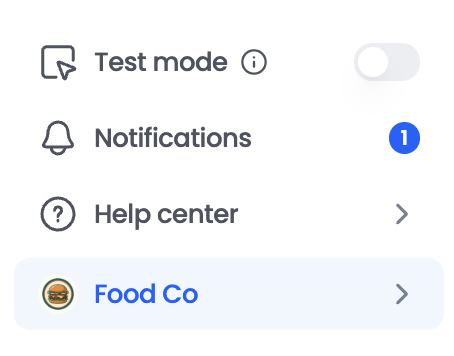
Step 2: In the bottom-left corner, click the arrow to expand the sidebar menu.
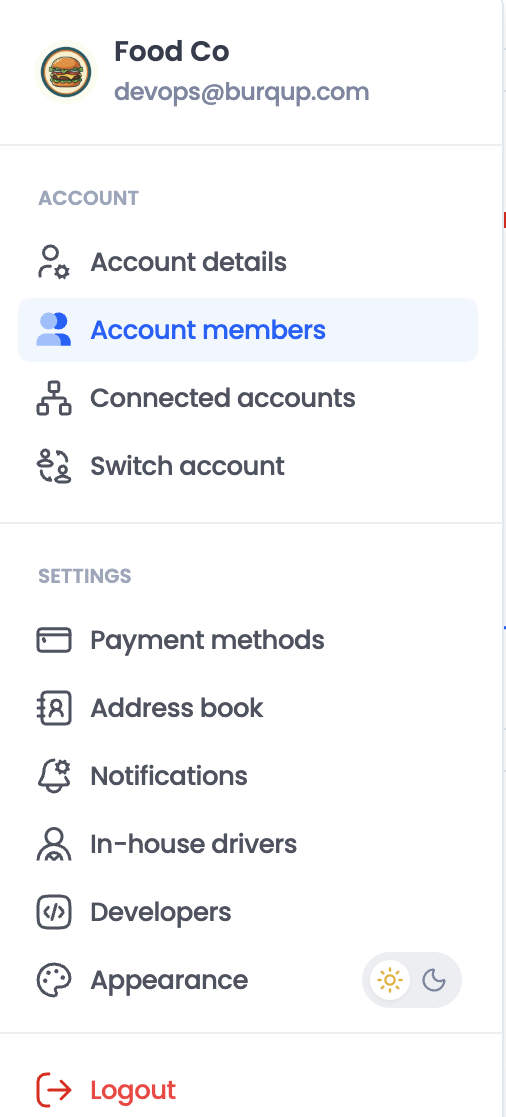
Step 3: Select Account Members.
Step 4: Click on "Add member" and then add the new email address as a new member to the account.
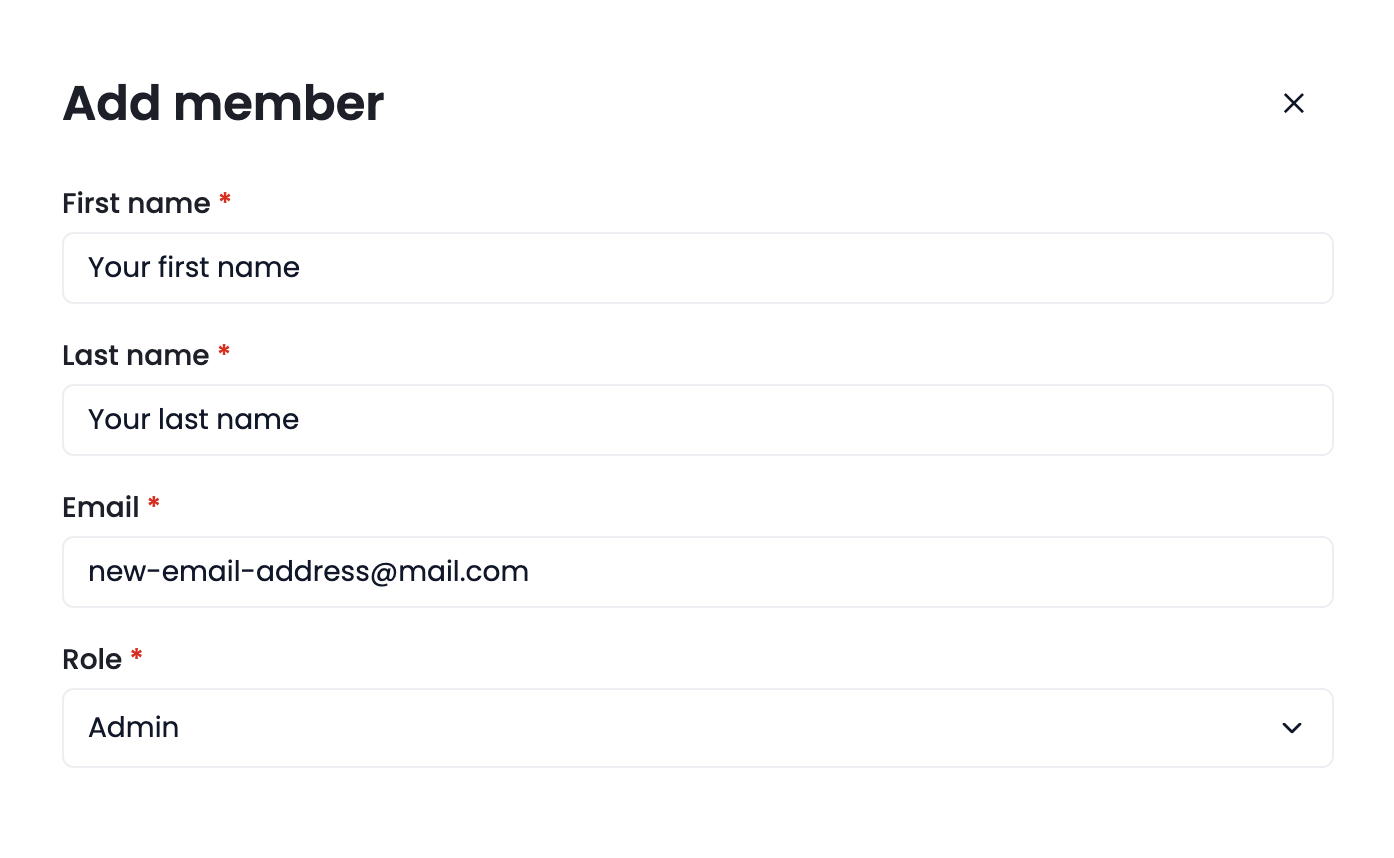
Once the new member has been added successfully, they can log in using the new email address and begin using the account.
Optional: If the old email address is no longer needed, delete the old member from the account.
Note: Adding a new member is the recommended way to switch the login email. Delete the old member only after confirming that the new member has been added successfully.
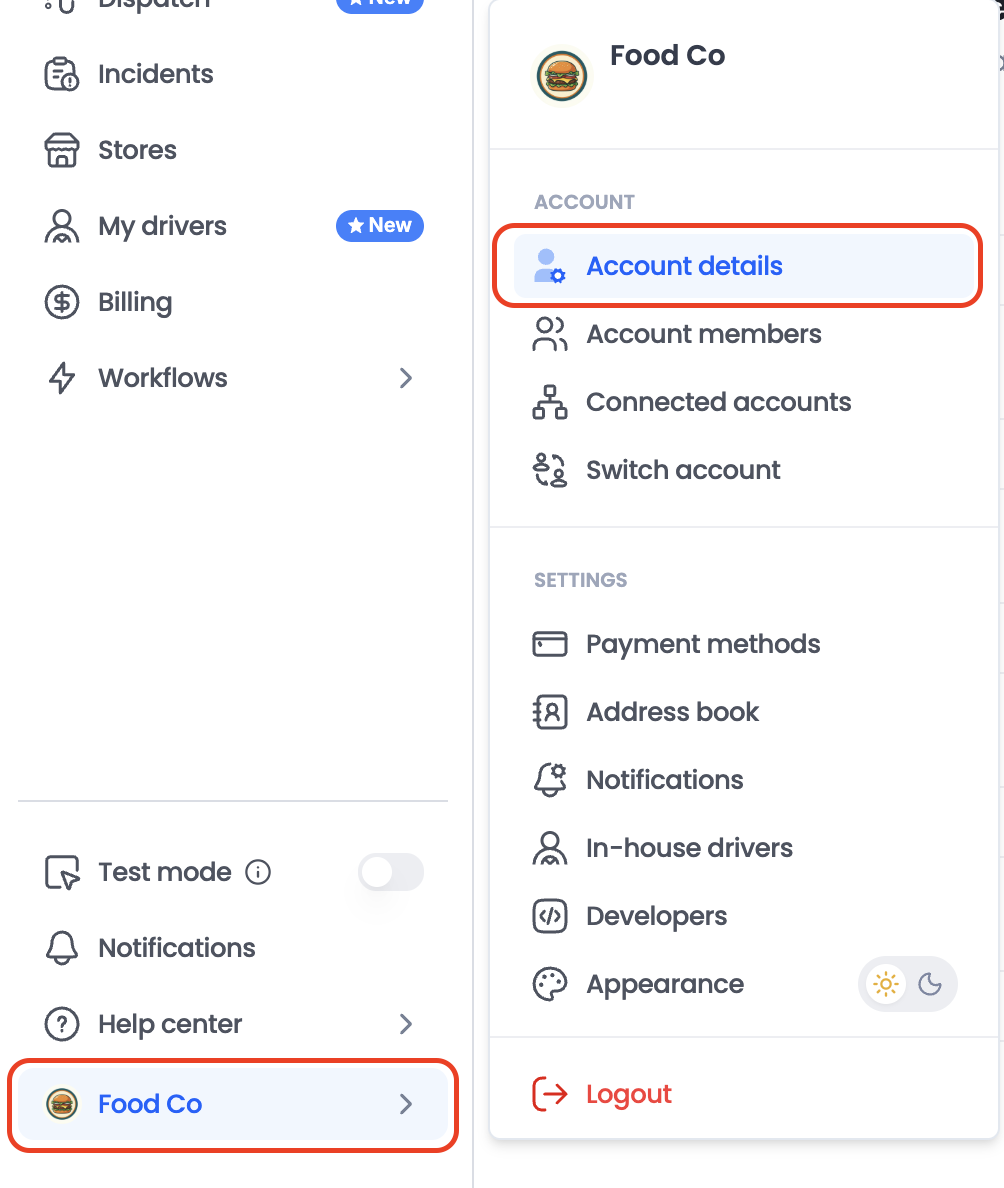
Additional: To update the email address used for account notifications, go to Account Details and update the relevant email address.
Updated about 1 month ago